
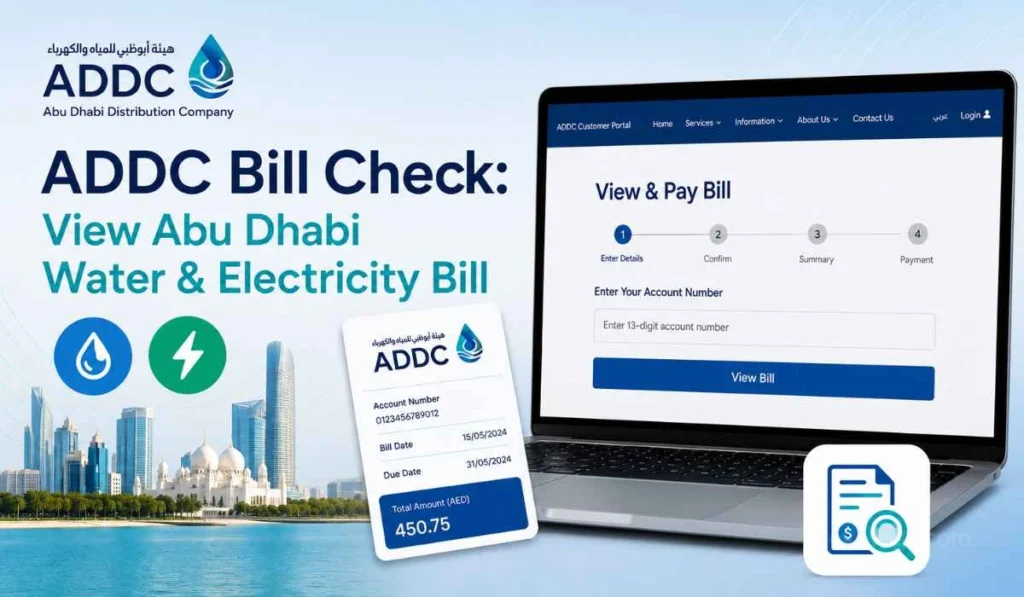
Quick Answer: You can check your ADDC bill online through TAQA Distribution services, the TAQA Distribution mobile app, or the TAMM water and electricity bill payment service. In most cases, you need to log in with UAE Pass or use your account details to view the bill amount, outstanding balance, and payment status.
If you live in Abu Dhabi, your ADDC bill is one of the main monthly bills you need to check. It is connected with your electricity and water services, so checking it on time helps you avoid late payment stress.
Many people still search for “ADDC bill check” because the name ADDC is familiar. But now, many services are shown under TAQA Distribution. So if you open the website or app and see TAQA Distribution instead of only ADDC, don’t get confused. It is still related to Abu Dhabi water and electricity services.
The process is not too hard. Once you have your login or account details ready, you can view your bill, check your outstanding amount, and then decide if you want to pay it right away.
What is the ADDC Bill Check?
ADDC bill check means viewing your Abu Dhabi electricity and water bill before making payment. It helps you see how much is due on your account and whether your payment is still pending or already cleared.
A simple way to think about it is this. Checking the bill comes first. Paying the bill comes after that. When you check the bill, you can review the account, amount, and status before using your card or any other payment method.
This is useful for tenants, homeowners, and even people managing bills for family members. Sometimes the amount may look higher than normal. Sometimes an old balance is added. So it is better to check first instead of paying in a hurry.
ADDC, TAQA Distribution, and Why the Name Looks Different
ADDC stands for Abu Dhabi Distribution Company. Many Abu Dhabi customers know this name because it has been used for water and electricity services for a long time.
Now, official online services may show TAQA Distribution. TAQA Distribution provides services linked with Abu Dhabi and Al Ain distribution customers. That is why you may see ADDC, AADC, and TAQA Distribution names in different places. For a normal user, the main point is simple: use the official TAQA Distribution or TAMM channels when checking or paying your Abu Dhabi utility bill.
What You Need Before Checking Your ADDC Bill
Before checking your ADDC bill online, keep the right details with you. It saves time and avoids login problems.
| Detail | Why You May Need It |
|---|---|
| UAE Pass | Used for login on many Abu Dhabi digital services |
| TAQA Distribution account | Helps manage your bill, usage, connection, and payment |
| Account number | Useful for bill payment and account identification |
| Registered mobile number or email | May be needed for account access or updates |
| Correct property/account selection | Important if you manage more than one account |
Your online account can help you check usage, update details, manage connections, and pay bills. ADDC’s login page also mentions that customers can activate an online account to manage these services.
How to Check the ADDC Bill Online
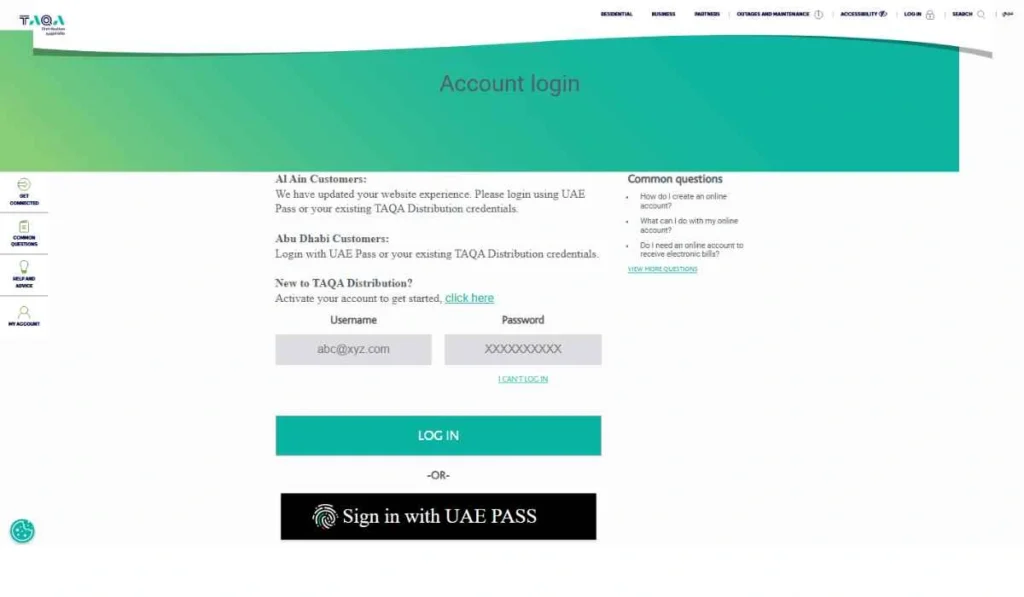
The easiest way to check your ADDC bill is through the official TAQA Distribution or ADDC online account. You can use it to view your bill, check usage, manage account details, and pay if needed.
- Open the official TAQA Distribution or ADDC online service
Start from the official website or customer portal. This is important because utility bills include account details, so avoid random websites that ask for personal information. - Log in with UAE Pass or your account details
Use your UAE Pass or your existing TAQA Distribution account login if the service asks for it. If you do not have an online account, you may need to activate one first. - Open the bills or account section
After login, look for the bill, account, payment, or usage section. Your online account can show usage details and help you manage billing services. - Select the correct account
This step matters if you have more than one property or service account. Pick the right account before checking the amount. - Review the outstanding bill amount
Check the due amount, payment status, and account details. Do not only look at one number quickly. Make sure the bill belongs to the correct property. - Download or save the bill if available
If there is an option to download or save the bill, keep a copy. It can help later if payment does not update or if you need to compare bills.
This method is best when you want to check the bill properly, not just pay it quickly.
Other Ways to Check or Manage Your ADDC Bill
There are a few official ways to manage your Abu Dhabi water and electricity bill. Each one has a slightly different use, so choose the one that fits your needs.
TAQA Distribution Mobile App
The TAQA Distribution mobile app is useful if you want to manage your bill from your phone. The app listing says users can manage accounts, pay bills, request documents, and access different services in one place.
This is a good option if you check bills often. You do not need to open the website every time. Once your account is connected, it becomes easier to manage things from your mobile.
TAMM Water and Electricity Bill Payment
You can also use TAMM for water and electricity bill payment. TAMM says users can log in using UAE Pass or available channels, submit the application, and pay the account due amount or bill.
TAMM is more payment-focused, but it can still help you confirm the due amount during the payment process. So if your main goal is to check and pay together, this method can be useful.
Payment Options and Direct Debit
TAQA Distribution also gives different payment options. You can pay through the mobile app, phone, direct debit, partner banks, MBME kiosks, ATM machines, internet banking, and TAMM. For phone payment, the official payment page says customers can call 800 2332 and keep their account number and credit card details ready.
Direct debit is helpful for people who do not want to pay manually every month. But still, it is a good habit to check the bill amount so you know what is being charged.
Customer Care or Service Support
If your bill is not showing, your login is not working, or the account details look wrong, contact support. Do not keep trying random websites or unofficial links.
Support is especially useful if your account is new, your property changed, or the bill looks unusual. In these cases, a proper account check is better than guessing.
Common Problems When Checking ADDC Bill
Sometimes ADDC bill check does not work the way you expect. Most of the time, the reason is simple.
- Wrong or old account number: If you are using an old account number, the bill may not appear. This can happen after moving to a new property or using an old saved document.
- UAE Pass or login issue: If UAE Pass is not working, you may not be able to access the account. Try again later, or check if your UAE Pass account is active.
- Online account not activated: Some users may need to activate their online account first. Without proper account access, bill history and account services may not show.
- Latest bill is not generated yet: If the billing cycle is still running, the latest bill may not be ready. In that case, wait and check again later.
- Payment not updated yet: If you recently paid, the payment status may take some time to update depending on the channel used. Keep your receipt until it reflects.
- Wrong account selected: If you manage more than one property, you may open the wrong account by mistake. Always check the account or property details before paying.
- Website or app loading issue: Sometimes the issue is only technical. Try another browser, refresh the page, or use the mobile app instead.
Simple Tips Before Paying Your ADDC Bill
Before paying your ADDC bill, spend a minute checking the details. It sounds small, but it can save trouble later.
- Check the total outstanding amount, not only the current bill line.
- Confirm the correct account if you have more than one property.
- Review the payment status before paying again.
- Compare high bills with your normal usage if the amount looks unusual.
- Save your payment receipt after every payment.
- Use official TAQA Distribution or TAMM channels for safer payment.
- Keep your account number ready because many payment options may ask for it.
If the bill looks too high, do not panic right away. Check your electricity and water usage first. AC use, more people staying at home, or water leaks can sometimes increase the bill. But if the amount still looks wrong, contact support and ask them to review it.
FAQs About ADDC Bill Check
How can I check my ADDC bill online?
You can check your ADDC bill through TAQA Distribution online services or your online account. After login, you can check usage, manage account details, and pay bills.
Is ADDC now TAQA Distribution?
Many Abu Dhabi utility services now appear under TAQA Distribution branding. People still search for ADDC because it is the familiar name, but official online services may show TAQA Distribution.
Can I check ADDC bill without login?
Some payment channels may let you proceed with account details, but full account features usually need login. For better bill history, usage details, and account management, an online account is more useful.
What details do I need to check ADDC bill?
You may need UAE Pass, TAQA Distribution login details, account number, or registered contact details. The exact details depend on the service you use.
Can I pay ADDC bill through TAMM?
Yes, TAMM has a water and electricity bill payment service. It allows users to log in with UAE Pass or available channels, submit the request, and pay the account due amount or bill.
Why is my ADDC bill not showing?
Your bill may not show because the latest bill is not generated, your login has an issue, the account is not activated, or you selected the wrong account. Check your details first, then try again through an official channel.
Final Thoughts
ADDC bill check is simple when you use the right official channel. You can check your Abu Dhabi electricity and water bill through TAQA Distribution online services, the mobile app, or TAMM. Just make sure you review the account, total outstanding amount, and payment status before paying.
Have you faced any issue while checking your ADDC bill, like login not working, bill not showing, or payment still pending? Share your issue in the comments; it may help another Abu Dhabi resident, too.