
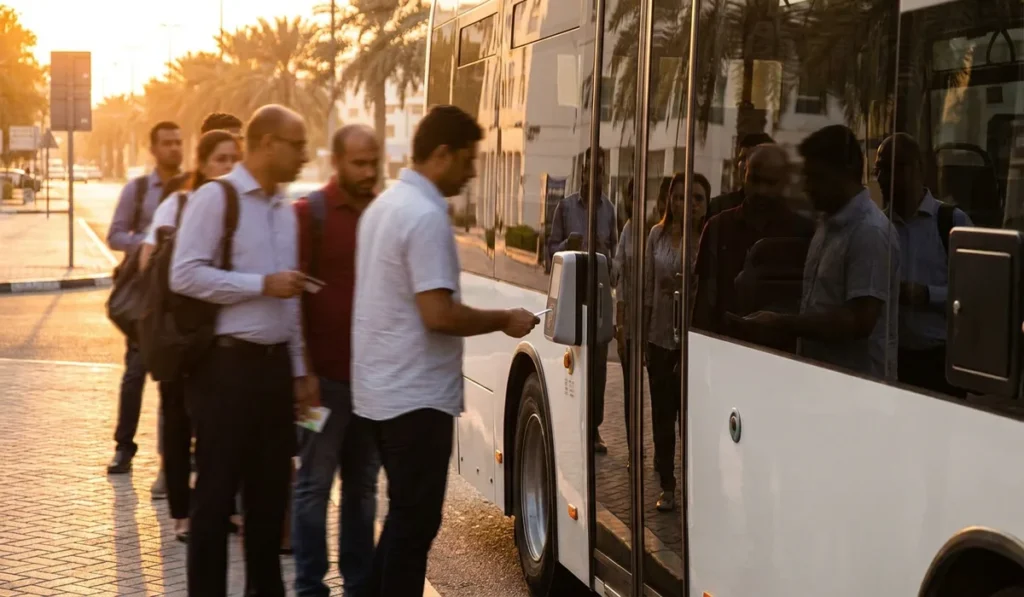
Abu Dhabi buses are cheap to ride. But show up with an empty Hafilat card and you’re the person holding up the whole queue at the door. Not a great start to the morning.
A hafilat balance check takes less than a minute. You can do it online, through the DARB app, at a recharge machine, or just by tapping on the bus validator.
If you’re new to the Hafilat card or you’ve topped up and the money hasn’t shown yet, this guide shows you how to check your balance and fix the common problems.
What Is the Hafilat Card?
Hafilat is the smart travel card for Abu Dhabi public buses. The Integrated Transport Centre (ITC) runs it, and ITC got absorbed into Abu Dhabi Mobility a while back. You load money on it, tap it when you get on the bus. That’s it.
Load money on it, tap getting on, tap getting off. The fare drops off your balance on its own. That’s the whole system.
There’s a serial number printed on the card (front or back, depends on the batch), and it’s around 15 to 16 digits. That number is what you need for almost every online balance check, so look after it.
One thing that confuses newcomers: Hafilat is not the same as Dubai’s nol card. They’re separate systems from separate authorities, so a nol card won’t work on an Abu Dhabi bus. If you travel between both cities, our nol card balance check guide covers the Dubai side.
Ways to Check Your Hafilat Balance
It really comes down to where you are when you need to check. Sitting at home before work? Totally different story from standing at the Al Wahda bus station with a bus pulling up in two minutes.
So here’s a quick comparison of what works:
| Method | Speed | Needs internet | Best for |
|---|---|---|---|
| Hafilat website | Fast | Yes | Checking history and expiry |
| DARB app | Fast | Yes | Regular commuters |
| Ticket vending machine | Instant | No | After a top-up |
| Bus validator | Instant | No | Quick check while boarding |
| Customer Happiness Center | Slow | No | Card problems |
The online options give you extra info. Expiry date, recent trips, that sort of thing. Machines and validators just flash the number at you, but it’s always current.
Check Your Hafilat Balance Online
The official site is hafilat.darb.ae, and it’s what most people use from home. You don’t always need a full account just to see a balance.
Pretty straightforward process:
- Open the Hafilat portal in any browser. Avoid search result links that look like copies of the official site, since fake transport pages do show up from time to time.
- Find the card balance or card inquiry option. It’s usually right on the homepage, or somewhere under a card services menu.
- Type your card serial number. That long number printed on the card, the 15 to 16 digit one. Don’t skip any leading zeros or it won’t find your card.
- Submit and read the result. You’ll see your current balance, when the card expires, and usually a few recent transactions.
If you want to save multiple cards or set up auto top-ups, you’ll need to actually register an account. It’s free though, just basic details and an email address.
The portal layout does shift occasionally. ITC updates the site now and then. But the card inquiry section tends to stay in roughly the same spot, so poke around if something looks different from before.
Using the DARB App
The DARB app (sometimes called Darbi) is Abu Dhabi Mobility’s official app covering tolls, parking, and buses. If checking your balance is a regular thing, the app is much less fuss than typing the serial number into a browser every time.
Download from the App Store or Google Play, make an account, add your Hafilat card using the serial number. After that your balance is just there when you open the app.
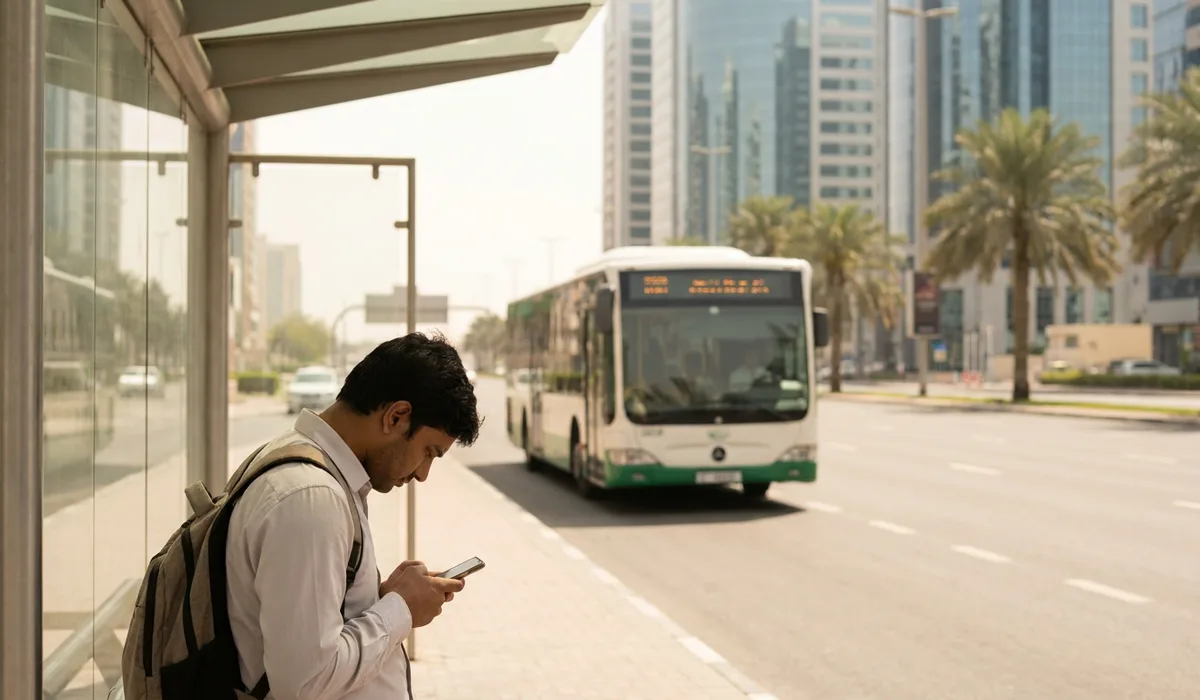
Top-ups work through the app too. So that’s one less reason to visit a station. Just know that money added through the app doesn’t hit the physical card right away. There’s a delay (more on that below).
Payit, the FAB digital wallet, is another route people use for Hafilat top-ups. It won’t always give you the same transaction detail as the official portal, but it works fine for adding credit.
Checking at Machines, Validators and Service Centers
Not everyone wants to deal with apps, and you don’t have to. The offline options are genuinely quick.
Ticket vending machines and recharge machines at bus stations have a balance inquiry function, and it’s free to use. Place the card on the reader, choose balance inquiry, and the screen shows your credit instantly.
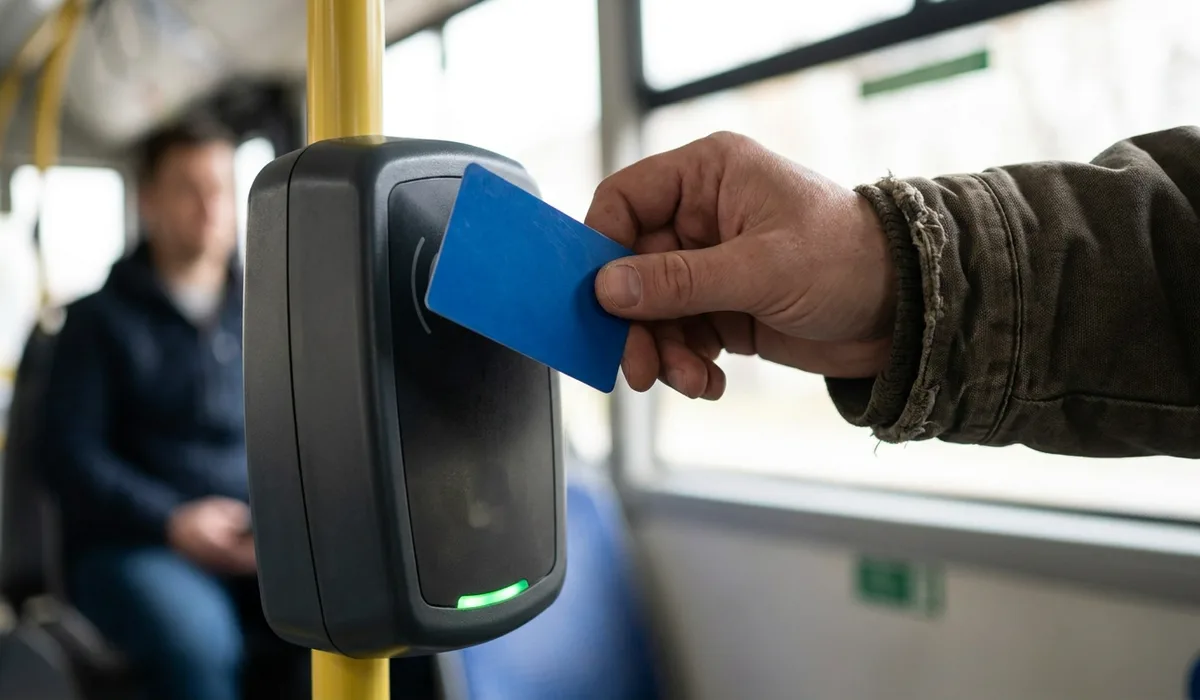
The bus validator is probably the fastest of all. Tap on when you board and glance at the small screen. It shows your remaining balance right after the fare comes off. Most people walk straight past it without looking, which is a waste.
Customer Happiness Centers and authorised retail outlets can also look up a card for you. That’s really the place to go when something is genuinely wrong, not just for a routine balance check.
Topping Up Your Hafilat Card
Once you’ve seen the balance, you’ll probably want to top up. So a few things to know. You can add anywhere from AED 5 to AED 100 in a single go.
App and online top-ups don’t land on the card straight away. The payment processes fast on your bank’s end, but the credit takes up to about two hours to show. And then you still need to tap the card on a bus validator before it actually picks up the money. (This trips people up constantly.)
Machine top-ups are different. Money added at a ticket vending machine or recharge machine loads onto the card right away, which is why regular riders still use them before a trip.
There’s also a ceiling on how much the card can hold. The maximum balance is commonly quoted as around AED 150. Check the current limit on the official portal before trying to load a large amount at once, just to be sure.
Understanding Hafilat Fares
If you know what a trip roughly costs, you can stop guessing whether your balance is enough. Abu Dhabi city buses charge a base fare plus a per-kilometre rate.
People usually quote it as about AED 2 base plus around 5 fils per kilometre. But fares do get updated. So check the ITC or Abu Dhabi Mobility site for the actual current numbers before relying on that.
Card types matter too. There are concession cards for students and senior citizens that come with lower fares, and there are eligibility rules attached to each.
And tap out. Every single time. Skip it and the system doesn’t know where you got off. You’ll probably get charged more than you should, or end up with a weird balance discrepancy.
Common Problems and Fixes
Most people run into the same handful of issues with their Hafilat card. And honestly, most of them are fixable in a few minutes.
Balance not updated after an online top-up. Give it up to about two hours, then tap the card on a bus validator or a station machine. The card needs that physical tap to pull the credit down from the system.
Card not recognised online. Nine times out of ten it’s a typing error in the serial number. A zero read as an eight, or one digit missing. Check the number under good light. If the printing is worn, read it at a machine instead.
Card not reading at the validator. If it’s been bent, sat on, or the chip has a visible crack, that’ll do it. Try tapping on a different validator or a station machine first before you write it off.
Blocked or expired card. Every card has an expiry date. You can see it through the online inquiry. If it’s blocked or expired or physically damaged, take it to a Customer Happiness Center with your ID. They’ll look it up and tell you what the options are.
And if nothing’s working after all that, don’t keep loading money onto the card. Get it checked first. Otherwise you’re putting credit on something that might need a full replacement.
Tips for Regular Commuters
A couple of small routines go a long way when you’re catching the bus every day. Here’s what actually helps:
- Check your balance the night before a work trip, not at the bus door.
- Keep at least a few dirhams of buffer so one unexpected trip doesn’t strand you.
- Save your card serial number in your phone notes, in case the printed number wears off.
- Top up at machines when you need the credit the same day.
- Tap out every time. Even if the bus is packed and you’re squeezing past people to reach the door.
- Don’t toss the card loose in your pocket with keys or coins. The chip gets scratched up over time and eventually stops reading. (A cardholder sleeve from any bookshop works fine.)
FAQ
Can I check my Hafilat balance without the card in hand?
You can if you’ve got the serial number saved somewhere, or if the card is already added in the DARB app. Otherwise no. You’ll need to physically take it to a machine or a service center.
How long does a Hafilat online top-up take?
It usually reflects within about two hours, and then you need to tap on a bus validator for the card to update. Machine top-ups apply instantly instead.
Does the Hafilat card expire?
Yes. The expiry date shows up when you do an online card inquiry, along with the balance. An expired card means a trip to a Customer Happiness Center.
Can I use my Hafilat card in Dubai?
No. Hafilat is Abu Dhabi’s system. Dubai runs on the nol card, which is completely separate. If you commute between the two, you need both cards.
Final Thoughts
Online and the DARB app give you the most detail. Machines and validators are faster. And a Customer Happiness Center is the right call when the card itself is acting up.
The two-hour delay on online top-ups catches people out more than anything else. So if you’re topping up the night before, that’s fine. Morning of, cutting it close is a risk. And tap out. Every time.
Which method do you actually use to check your balance, the DARB app or the station machine? Drop a comment and tell us which one gives you fewer problems.