
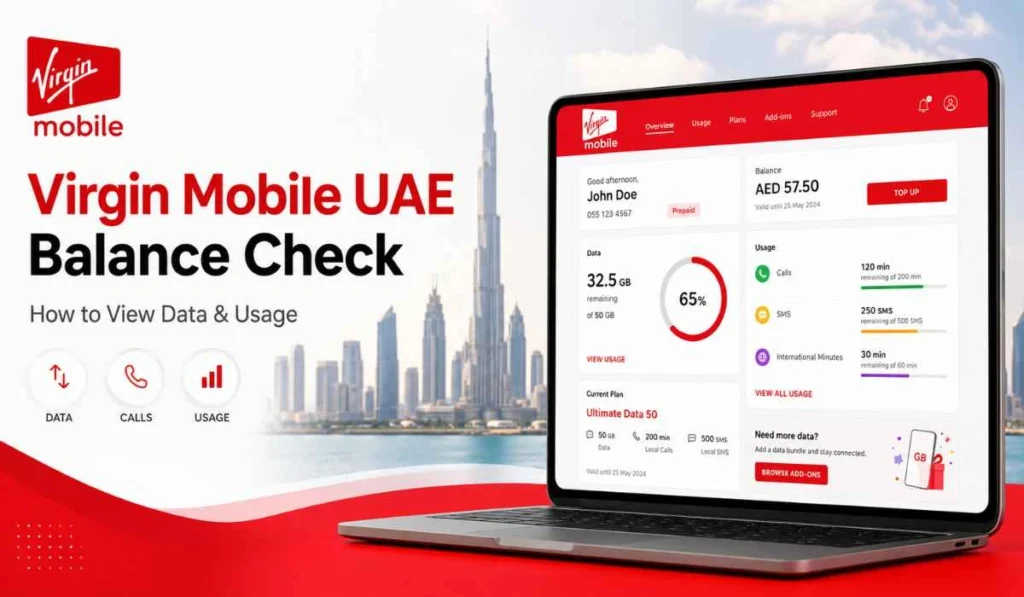
Quick Answer: You can check your Virgin Mobile UAE balance from the Virgin Mobile app or by dialing *145#. The app is the better option because it also shows your active plan, usage, wallet, payment details, and remaining data. Virgin Mobile says users can check their balance in the app or by dialing *145#.
Virgin Mobile UAE works a little differently from many old-style mobile services. Most things are managed through the Virgin Mobile app. So when people search for Virgin Mobile UAE balance check, they may not only mean money balance. They may also want to check data, usage, plan renewal, wallet balance, or payment details.
That is why this guide focuses on balance and usage first. Bill check is also covered, but not as the main thing. For Virgin Mobile UAE users, the app is usually the main place where you check your active plan, data usage, payments, wallet, and account details.
What Does Virgin Mobile UAE Balance Check Mean?
Virgin Mobile UAE balance check can mean a few different things. Some users want to know how much money is left in their wallet. Some want to know how much data is left. Some want to check call minutes, SMS, or plan usage before renewal.
So, do not think of balance as only one number. In Virgin Mobile UAE, balance can be connected with your active plan, in-app wallet, data usage, boosters, or payment method. This is why the app is usually the best place to check everything clearly.
For example, if your data is almost finished, you may need to buy a booster. If your wallet is low, your plan renewal may fail. If your payment method is not working, you may need to update it from the Payments section. Small things, but they matter.
Balance Check vs Data Usage vs Bill Check
These searches look similar, but users usually mean different things. Here is a simple way to understand them.
| Search Term | What User Usually Means |
|---|---|
| Balance check | Wallet balance or available amount |
| Data balance check | Remaining mobile data |
| Usage check | Used data, calls, SMS, or plan usage |
| Bill check | Recent bills, payments, or plan payment details |
| Recharge | Add money or top-up wallet |
For most Virgin Mobile UAE users, data balance check and usage check are more useful than normal bill check. That is because Virgin Mobile is mainly app-based, and users control their plan from the app.
How to Check Virgin Mobile UAE Balance in the App
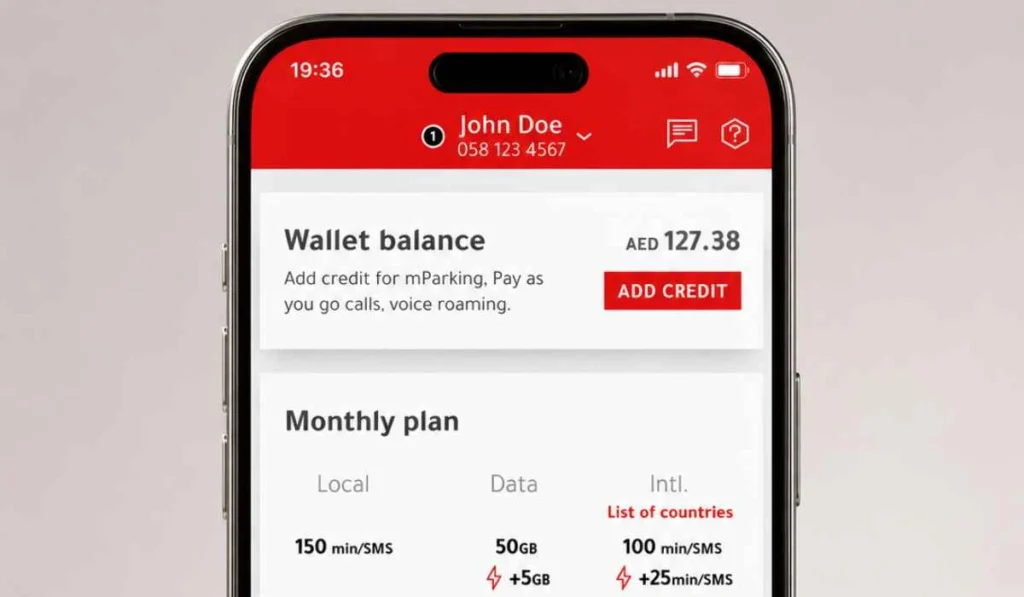
The Virgin Mobile app is the main way to manage your account. Virgin Mobile says users can see their active plan in the app and select Usage from the bottom navigation menu to check usage.
- Open the Virgin Mobile UAE app
Start by opening the app on your phone. If you removed the app before, download it again from the App Store or Google Play and log back in. - Log in with your Virgin Mobile number
If the app asks for login, use your Virgin Mobile UAE number or registered details. Make sure you are logging into the correct account if you manage more than one number. - Check your active plan on the home screen
The home screen should show your active plan details. This is useful because you can quickly see your current plan and whether it is still active. - Tap Usage from the bottom menu
Open the Usage section from the bottom navigation menu. This is where you can check used data, calls, SMS, and plan usage details. - Review remaining data and minutes
Look at your remaining data, local minutes, international minutes, or other included benefits. If you use roaming, check roaming usage separately if it is shown. - Open Payments if you want wallet or recharge details
If your question is about wallet balance, renewal, or payment method, go to the Payments section. Virgin Mobile says payment method can be changed from the Payments section to card, wallet, or Apple Pay.
How to Check Virgin Mobile UAE Balance Without the App
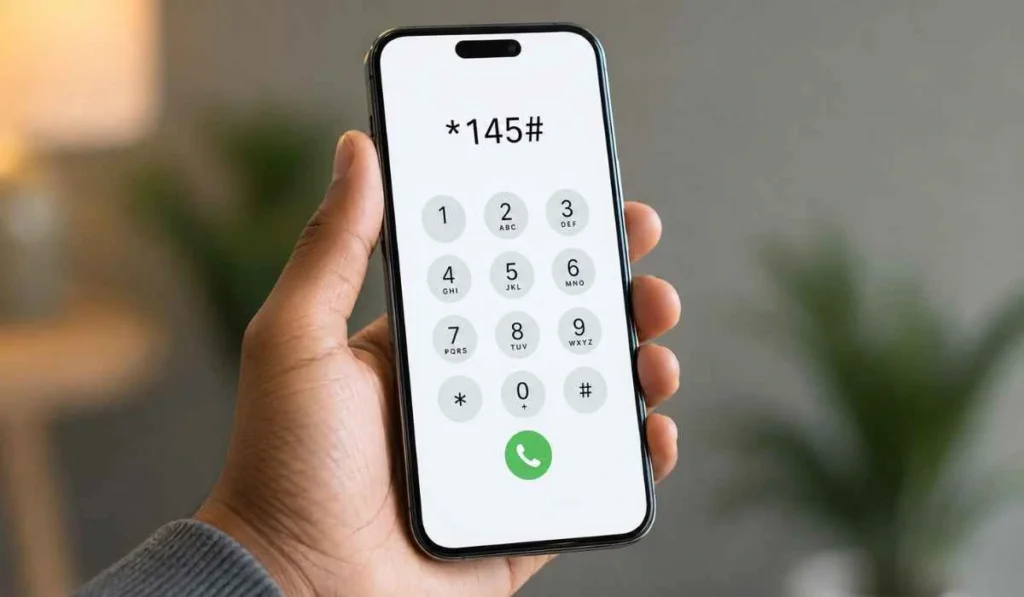
If you do not want to open the app, there is also a quick code method.
- Virgin Mobile UAE balance check code: Dial *145#
Virgin Mobile says users can check balance by visiting the app or dialing *145#. This is useful when you only need a quick balance check and do not want to open the app.
Still, the code method may not show everything in detail. If you want full usage, plan, wallet, payment, or bill information, the app is better.
How to Check Virgin Mobile UAE Data Usage
If your main concern is data, use the app’s Usage section. This is usually the clearest way to see how much data you have used and what is still left.
Virgin Mobile also explains that the usage screen shows data, local minutes, international minutes, boosters, and roaming data or voice details.
You can use this section to check:
- Remaining mobile data
- Local call minutes
- International minutes
- SMS usage if included
- Booster usage
- Roaming data and voice usage
If your data is finishing fast, do not buy a booster blindly. First check which data is being used and whether your plan renewal date is close. Sometimes it is better to wait for renewal. Sometimes a booster makes more sense.
How to Recharge or Top-Up Virgin Mobile UAE
If your balance is low, you can recharge or update your payment method from the app. Virgin Mobile’s payment help says users can go to the Payments section and change payment method to card, wallet, or Apple Pay.
Here is the simple flow:
- Open the Virgin Mobile UAE app.
- Go to the Payments section from the bottom menu.
- Check your current payment method.
- Choose card, wallet, Apple Pay, or another available option.
- Add balance or complete payment for your plan.
- Save the payment confirmation if shown.
Virgin Mobile also says the Payments screen can be used to add credit to the in-app wallet. If your plan renewal fails because of payment issues, a wallet top-up can help in some cases.
Can You Check Virgin Mobile UAE Bill in the App?
Yes, you can check bill and payment-related details in the Virgin Mobile UAE app. Virgin Mobile says users can view recent bills and payments in the app, along with tracking usage, updating account details, and getting in-app support.
But for Virgin Mobile UAE, many users do not search for “bill check” like they do for du or Etisalat. They usually search for balance, usage, recharge, wallet, or plan renewal. So if you want bill details, open the app and look for payment, bills, or recent transaction history.
A simple way to think about it: Balance tells you what you have left. Usage tells you what you used. Bills and payments show what you paid or need to pay.
Common Problems When Checking Virgin Mobile UAE Balance
Sometimes the balance or usage does not show properly. Most of the time, it is not a big issue.
- App not opening or crashing: Update the app first. If it still does not open, restart your phone or reinstall the app from the official app store.
- Balance not showing in the app: Check your internet connection and login status. If the app is not refreshed, close it and open it again.
- Usage not updated yet: Usage details may not always refresh instantly. Wait a little and check again, especially after heavy data use or roaming.
- *145# code not working: Make sure you are dialing it from your Virgin Mobile UAE number. If the code still does not work, use the app instead.
- Recharge done but wallet not updated: Keep the payment receipt or confirmation. If the wallet does not update after some time, contact support through the app.
- Wrong number or login issue: If you have more than one number, make sure you are logged into the correct Virgin Mobile account.
- Roaming usage not appearing clearly: Check the usage section carefully because roaming data and voice may appear separately from local usage.
Simple Tips for Managing Virgin Mobile UAE Balance
A few small habits can help you avoid running out of data or payment problems.
- Check usage before your renewal date to see whether your plan will last.
- Watch data usage if you stream videos a lot, because streaming can finish data quickly.
- Keep some wallet balance if your renewal date is near.
- Check the app before buying a booster so you do not spend money too early.
- Save recharge or payment confirmation until the wallet or plan updates.
- Review roaming usage separately when travelling outside the UAE.
- Update your payment method if your card expired or plan renewal failed.
Virgin Mobile says if the primary payment method fails, the next available payment option in the account may be used. So it is better to keep your payment details updated before renewal day.
FAQs About Virgin Mobile UAE Balance Check
How can I check my Virgin Mobile UAE balance?
You can check your balance in the Virgin Mobile UAE app or by dialing *145#. The app is better if you also want usage, plan, wallet, and payment details.
What is the Virgin Mobile UAE balance check code?
The Virgin Mobile UAE balance check code is *145#. Dial it from your Virgin Mobile UAE number to check your balance.
How do I check Virgin Mobile UAE data balance?
Open the Virgin Mobile UAE app and go to the Usage section from the bottom menu. Virgin Mobile says this section shows your active plan usage.
Can I check Virgin Mobile balance without the app?
Yes, you can dial *145# to check balance without opening the app. But for full usage and plan details, the app is still the better option.
How do I recharge Virgin Mobile UAE?
Open the Virgin Mobile app, go to Payments, and choose your payment method such as card, wallet, or Apple Pay. You can then add balance or pay for your plan.
Why is my Virgin Mobile balance not showing?
Your balance may not show because the app is not refreshed, your internet is slow, your login has a problem, or the usage details have not updated yet. Try refreshing the app, checking your connection, or using *145#.
Can I check Virgin Mobile UAE bill in the app?
Yes, Virgin Mobile says users can view recent bills and payments in the app. You can also track usage, manage details, and get help from inside the app.
Final Thoughts
Virgin Mobile UAE balance check is easy if you know where to look. The app is the best place to check your active plan, data usage, wallet, payments, and recent bills. If you only need a quick balance check, dial *145#.
Have you faced any issue with Virgin Mobile UAE balance, data usage, or wallet update? Share your issue in the comments, it may help another Virgin Mobile user too.