
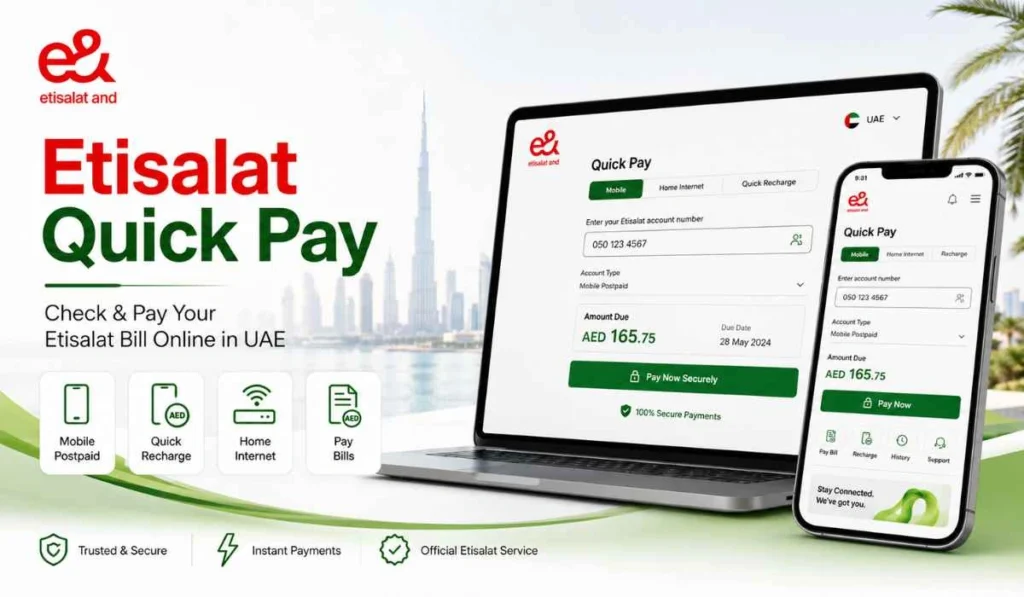
Quick Answer: Etisalat Quick Pay lets you check and pay your Etisalat mobile, landline, and eLife bills online without full account login. You can enter your mobile number, account number, or service details, confirm the amount, and pay by card. The service is now part of e& UAE, but many users still call it Etisalat Quick Pay.
Etisalat Quick Pay is useful when you want to pay your bill fast and do not want to log in to a full account dashboard. Maybe you only want to check the amount due. Maybe you want to pay an eLife internet bill for your home. Or maybe you are helping someone pay their mobile bill.
In the UAE, Etisalat is now known as e& UAE, but people still search for Etisalat bill payment because the old name is familiar. So if you see e& on the payment page, that is normal. The main thing is to use the official e& or Etisalat online payment page, not random payment links.
What Is Etisalat Quick Pay?
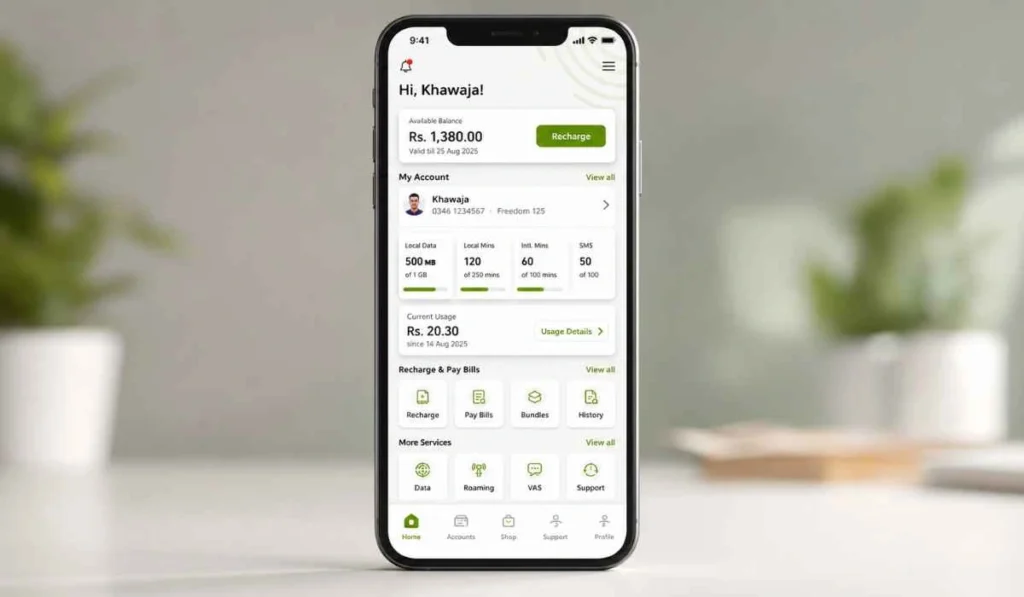
Etisalat Quick Pay is an online payment service that helps customers pay bills or recharge quickly. It can be used for mobile bills, eLife bills, and quick recharge without logging in to a full account, according to e& UAE’s public page.
A simple way to understand it is this. Etisalat bill check means you are looking at the amount due. Etisalat bill payment means you are paying that amount. Quick Pay can help with both, because it shows the account number and amount before you complete payment.
This is helpful for postpaid mobile users, eLife internet users, landline customers, and even people who just want to make a quick payment without opening the full e& UAE app.
What You Need Before Paying Through Etisalat Quick Pay
Before you start, keep the right details ready. If you enter the wrong number, the bill may not show, or you may open the wrong account. So check slowly.
| Detail | Why You Need It |
|---|---|
| Mobile number | Useful for mobile bill payment or recharge |
| Account number | Helps find the correct bill or service account |
| Landline or eLife number | Useful for home internet and eLife bill payment |
| Credit or debit card | Needed to complete online payment |
| OTP phone access | Your bank may send an OTP to approve the card payment |
| Email or SMS access | Helpful for payment confirmation or receipt |
The Quick Pay page shows the account number and total amount before payment, so always review those details before entering your card information.
How to Use Etisalat Quick Pay Step by Step
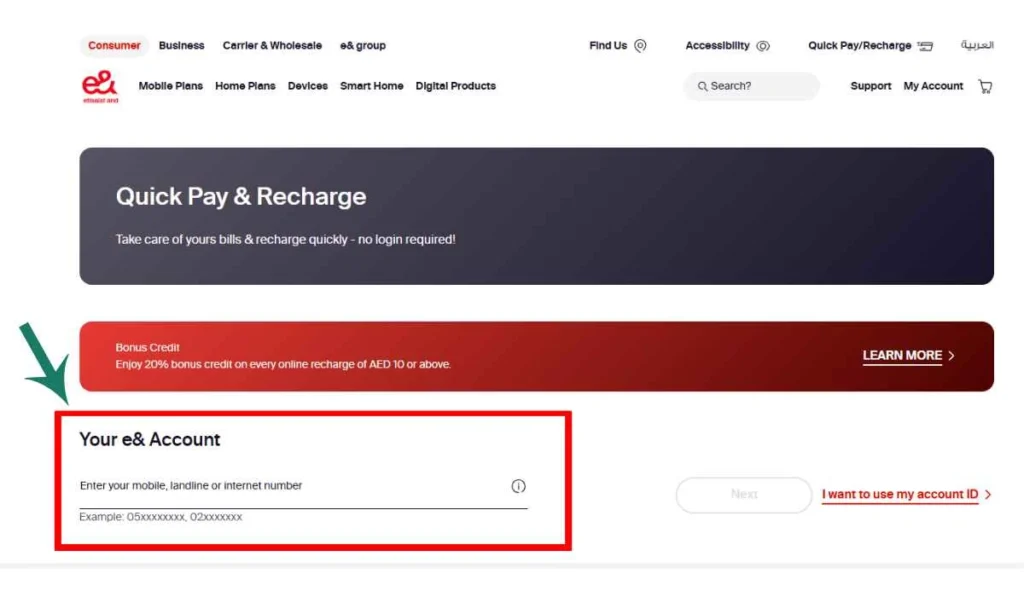
Using Etisalat Quick Pay is not too hard. The important part is entering the correct number and checking the amount before you pay.
- Open the official Etisalat or e& Quick Pay page
Start from the official e& UAE or Etisalat Quick Pay page. This matters because bill payment pages ask for account and card details, and you do not want to enter them on a fake page. - Enter your mobile, landline, or eLife account number
Type the correct number for the bill you want to pay. If you are paying a home internet bill, use the eLife or account details linked with that service. - Check the bill amount or total amount due
After you enter the number, the page may show the account number and amount. Read it carefully. The Quick Pay page mentions that the monthly bill payment limit is the “Total Amount Due.” - Confirm the account and amount
Make sure the bill belongs to the right number or account. This is where mistakes can happen, especially if you manage more than one Etisalat connection. - Choose your payment method
Quick Pay normally supports card payments. For business Quick Pay, the page shows credit or debit card and online bank transfer options. - Enter card details and complete OTP if asked
Your bank may ask for OTP or card confirmation. Never share this OTP with anyone. Only enter it on the secure payment page. - Save the receipt or transaction ID
After payment, save the confirmation message, receipt, or transaction ID. It helps if the payment takes time to update or if you need proof later.
How to Pay the Etisalat Bill Without Login
One of the main reasons people use Etisalat Quick Pay is that it works without full login. You do not need to open the full account dashboard just to make a quick payment. e& also says users can pay mobile or eLife bills and recharge without logging in.
This is useful when:
- You only want to pay one bill quickly.
- You are paying for a family member.
- You do not remember your app login.
- You only have the mobile number or account number.
- You want to check the amount before payment.
Still, no-login payment does not mean careless payment. Always confirm the number and amount before entering card details. A small typing mistake can create a big headache.
Etisalat Bill Payment Methods in UAE
Etisalat bill payment is not limited to Quick Pay only. e& also gives other ways to pay mobile, landline, and eLife bills.
- Etisalat Quick Pay: Best for fast bill payment. You usually do not need full login, so it is good for quick mobile, landline, or eLife payments.
- e& UAE app: Good for regular users who want to check bills, manage services, and pay from mobile.
- Autopay: Useful if you do not want to pay manually every month. You need to set it up first.
- e& money: Good for wallet-based payments. You may need to set up the e& money app before using it.
- Phone payment: Helpful if you prefer call-based support or payment. Keep your account details ready.
- Banks and exchange houses: Useful if you want to pay through online banking, bank channels, or exchange houses.
For most users, Etisalat Quick Pay is the simplest option. But if you want full account control, the e& UAE app is better.
Etisalat eLife and Internet Bill Payment
Etisalat eLife bills are usually linked with home internet, TV, and landline services. You can pay eLife bills through Quick Pay if you have the correct account or service number. e& also says Quickpay can be used for mobile or eLife bills without logging in.
Before paying an eLife bill, check these details:
- The correct eLife account or landline number
- The total amount due
- Any old pending balance
- The payment method you want to use
- The receipt after payment
If you recently changed your home, account, or package, check the bill more carefully. Sometimes users mix an old account with a new account, especially after moving.
Common Problems and Fixes
Etisalat Quick Pay usually works smoothly, but small issues can happen. Most of them are easy to check.
- Bill not showing
Enter the number again and make sure it is the correct mobile, account, landline, or eLife number. If the bill is new, it may not be ready yet. - Wrong mobile or account number
This is a common mistake. Check the number from your SMS, bill, app, or old receipt before trying again. - Payment failed after entering card
Your card may be blocked for online payment, or your bank may reject the transaction. Try another card or contact your bank if it happens again. - OTP not received
Check if your bank has the correct mobile number. Also, make sure your phone has a network signal and SMS is working. - Payment is done but the bill is still showing pending
Sometimes payment status may take a little time to update. Keep your receipt or transaction ID until the bill status changes. - Transaction ID not saved
Check your SMS or email confirmation if available. Next time, take a screenshot after payment or download the receipt. - Card not accepted
The Quick Pay page says only GCC or locally issued credit cards are allowed for that transaction. Business Quick Pay also says locally issued UAE and GCC bank cards can be used.
Safety Tips for Etisalat Quick Pay
Online bill payment is easy, but you should still be careful. This is your account and card information, so do not rush.
- Use only the official e& or Etisalat payment page.
- Do not open Quick Pay links from unknown SMS or WhatsApp messages.
- Never share your OTP with anyone, even if they say they are from Etisalat or your bank.
- Check the account number and amount before paying.
- Avoid saving card details on shared computers or public devices.
- Keep the receipt or transaction ID until the bill updates.
- Do not pay if the page looks strange, broken, or unofficial.
The main thing to remember is simple. Quick Pay is safe when you use the correct official channel and keep your OTP private.
Frequently Asked Questions
How do I pay my Etisalat bill online?
You can pay your Etisalat bill online through Etisalat Quick Pay, the e& UAE app, e& money, Autopay, banks, or other official payment channels. Quick Pay is useful when you want to pay without full login.
Can I pay an Etisalat bill without logging in?
Yes, you can use Etisalat Quick Pay to pay mobile or eLife bills without logging in to a full account. e& says Quickpay can be used for mobile or eLife bills and quick recharge without logging in.
What details do I need for Etisalat Quick Pay?
You usually need the mobile number, account number, landline number, or eLife account details linked with the bill. You also need a valid payment card and access to OTP if your bank asks for it.
How to check my Etisalat bill amount?
Open the official Quick Pay page and enter your account or service number. The page shows the account number and total amount before payment, so you can review the bill amount first.
Why is my Etisalat bill not showing?
Your bill may not show because the number is wrong, the bill is not generated yet, or the account details are not matching. Check the number again and try through the official e& UAE app or support channel if needed.
Can I pay my Etisalat eLife bill through Quick Pay?
Yes, e& says Quickpay can be used to pay mobile or eLife bills without logging in. Make sure you enter the correct eLife or account details before paying.
Final Thoughts
Etisalat Quick Pay is one of the easiest ways to check and pay Etisalat bills online in the UAE. You can use it for mobile, landline, and eLife bills without opening a full account login. Just enter the correct number, review the amount, pay through the official page, and save your receipt.
Have you ever faced an Etisalat Quick Pay issue like bill not showing, OTP not coming, or payment still pending? Share your issue in the comments, it may help another UAE user too.